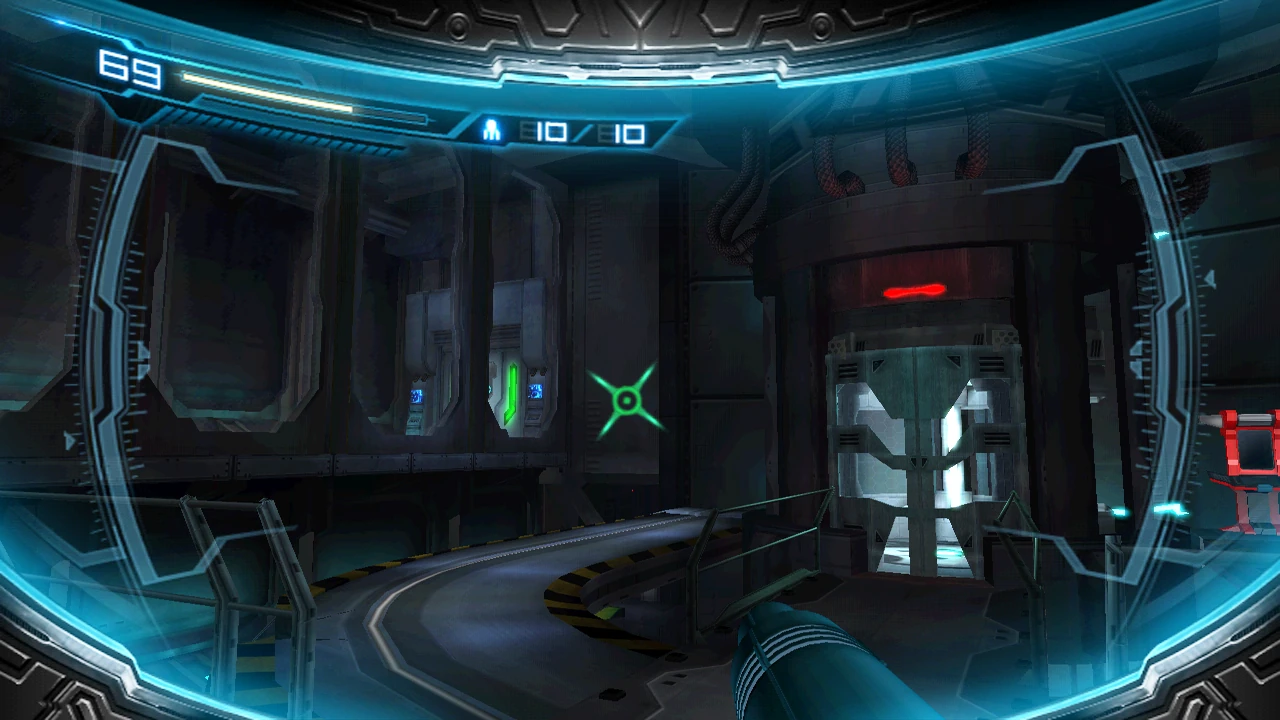

The Search View is a feature implemented in Metroid: Other M. When the Wii Remote is pointed at the screen, the "Search View" is activated and Samus Aran has a chance to see the environment in first-person view, much like that of the Metroid Prime series.
While using this feature, Samus can use a sort of Scan Visor on objects in the environment, such as obstacles, Lab Worker bodies, and her comrades in the 07th Platoon. Enemies, projectiles, and charging also appear to slow down while Samus enters Search View.
A new function featured in the gameplay and demo videos shows Samus has the ability to zoom in when scanning, similar to the zoom function with the Imperialist in Metroid Prime Hunters and the X-Ray Visor-Nova Beam combo in Metroid Prime 3: Corruption. This may suggest she has a scope in the game.
When using Search View, Samus is unable to move around. She is able to use SenseMove by shaking the Wii Remote, however.
This feature is required to fire Missiles, Super Missiles, and Seeker Missiles.
Search View is the only way to record a boss's health bar, as it does not immediately show up when a boss battle initiates. After the health bar has completely loaded, Samus can read it outside of Search View.
In many sequences throughout the game, Samus will be locked in Search View until she locates something in her vision, or until she repels her enemy that keeps her forced in the mode.
Official data
Metroid: Other M onscreen tutorial
SEARCH VIEW
Point the Wii Remote at the screen and press and hold [B] to look around.
Metroid: Other M manual
- Switching Views with the Wii Remote
- "By changing the way you hold the Wii Remote while playing, you can switch between Normal View and Search View. Depending on what's happening in the game, you can progress by using whatever view the situation calls for."
- Normal View
- "When holding the Wii Remote horizontally, you will go into the Normal View. This objective view is the basic perspective for this game."
- Play in Normal View at these times
-
- "When moving around the stage."
- "When engaging in basic battles with enemies."
- "When in Morph Ball form or when using bombs."
- Search View
- "By holding the Wii Remote vertically and pointing at the screen, you can switch to Search View. This changes the screen to Samus' perspective."
- Play in Search View at these times
-
- "When you want to lock on to an enemy and shoot a missile."
- "When your path is obstructed or when you want to inspect something."
- "When you want to look around and check the conditions of your surroundings."
Metroid: Other M Premiere Edition
- Search View HUD
- The Search View HUD is not much different than third-person view HUD, except for one important difference--the lock-on reticle."
Developer Interview
"The Wii remote can be pointed at the television screen, which enables players to look around and investigate the environment. When you think there is something suspicious, if this were a 2D Metroid, you would scatter bombs to try and find it, but in 3D you can use the Wiimote to investigate a suspicious place, and although the method is completely different, the experience is the same." (Tecmo KOEI/Team Ninja's Yosuke Hayashi) [1]
Trivia
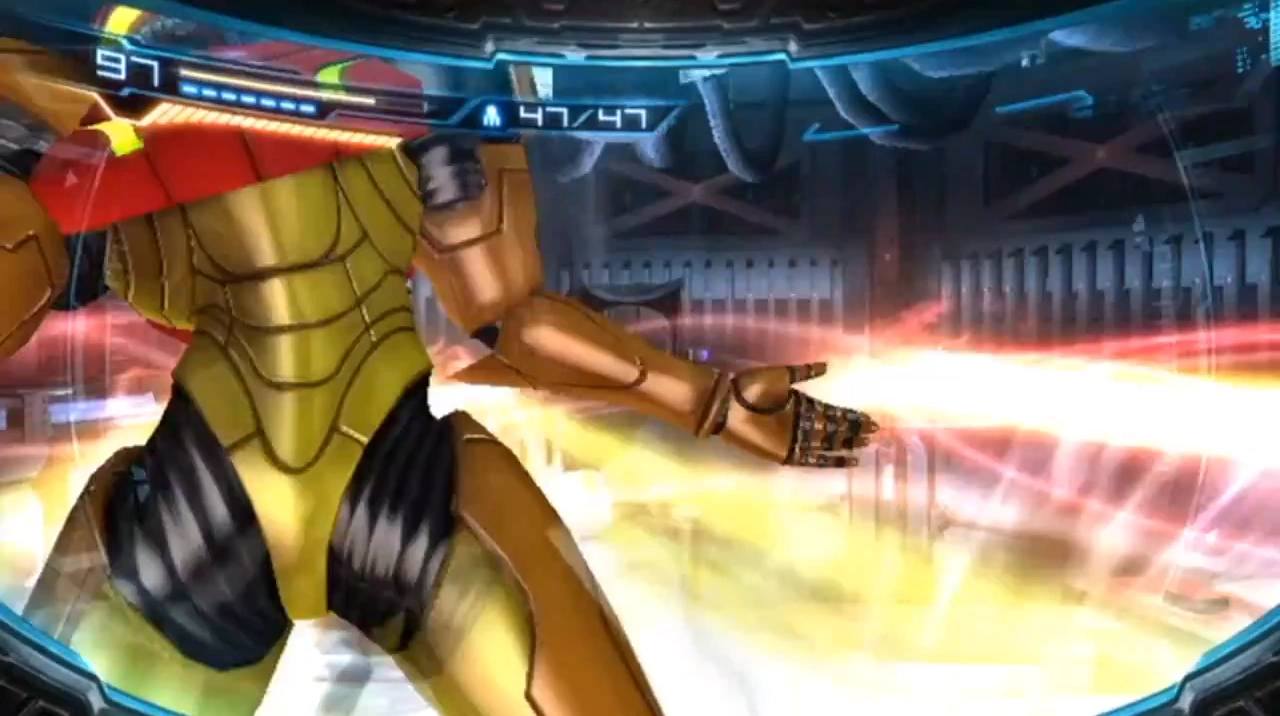

A transition error in-game.
- In the Geothermal Power Plant, if Samus takes too long to locate and blast the magma-eruption port, Ridley's plasma breath will rain down on her, knocking her out of Search View.
- When Samus kills an enemy at point-blank range, blood will splatter on her visor.
- Search View has been heavily criticised by both video game critics and Metroid fans due to the fact that it is required to use Missiles and locks Samus in place (the latter despite still being able to use SenseMove, albeit with much more awkward controls).
Notes and references
| Special Actions | |
|---|---|
| Suit | Moon Walk • Spin Jump Attack • Wall Jump • Spin Jump • Crystal Flash • Shinespark • SenseMove Counter Attack • Search View • Strafe/Dash • Slide (Slide Jump) • Parkour |
| Arm Cannon | Special Charge Beam Attacks • Headshot • Lock-on • Welding • Overblast • Lethal Strike • Concentration Precision Aiming • Free Aim • Melee Counter |
| Morph Ball | Bomb Jump • Bomb-Trick • Five-Bomb Drop • Turbo Bomb • Ball Spark • Boost Jump • Boost Charge Spider Boost • Tower Jump |
| See also | Super Smash Bros. moves • Glitches • Sequence Breaking |
| Visors |
|---|
| Combat Visor | Scan Visor | Thermal Visor | X-Ray Visor Dark Visor | Echo Visor | Command Visor Psychic Visor Hacker Mode | X-Ray Scope | Search View |